PERSONAL, WITHOUT THE EXTRA WORDS
A Single-Initial Phone Case: Make the Letter the Main Detail
Photo DIY · $35 per case
Create your initial case →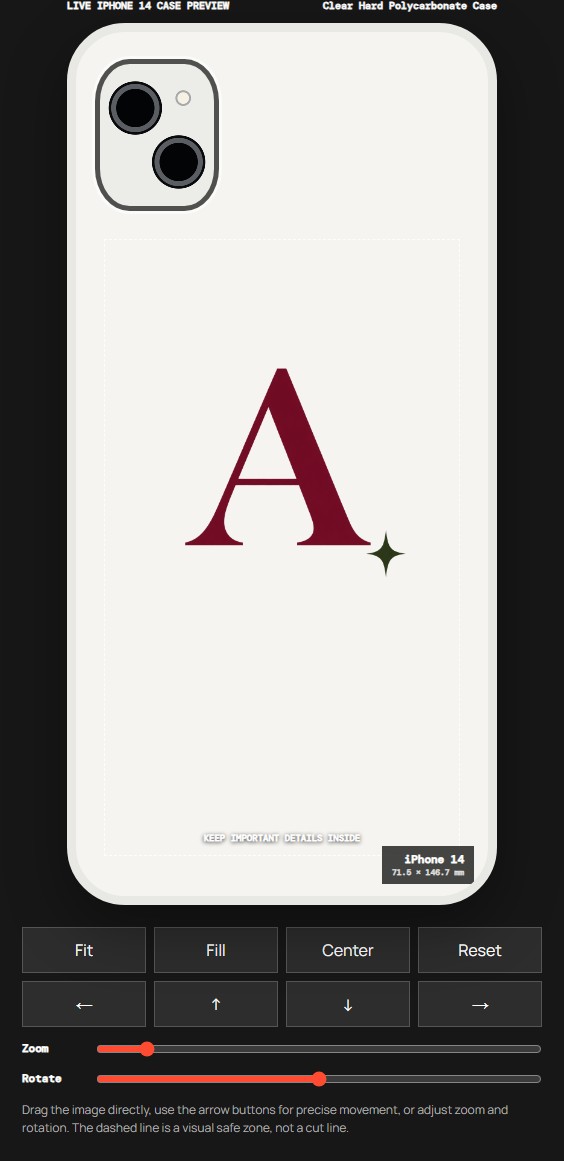
One letter can be enough. A first initial, family initial or another letter that means something to you gives a case a personal detail without filling it with information. PatternPop Case's photo-artwork service currently costs $35 per phone case. Prepare the letter as an image, then use the editor to decide how boldly it should appear.
Small mark or statement letter?
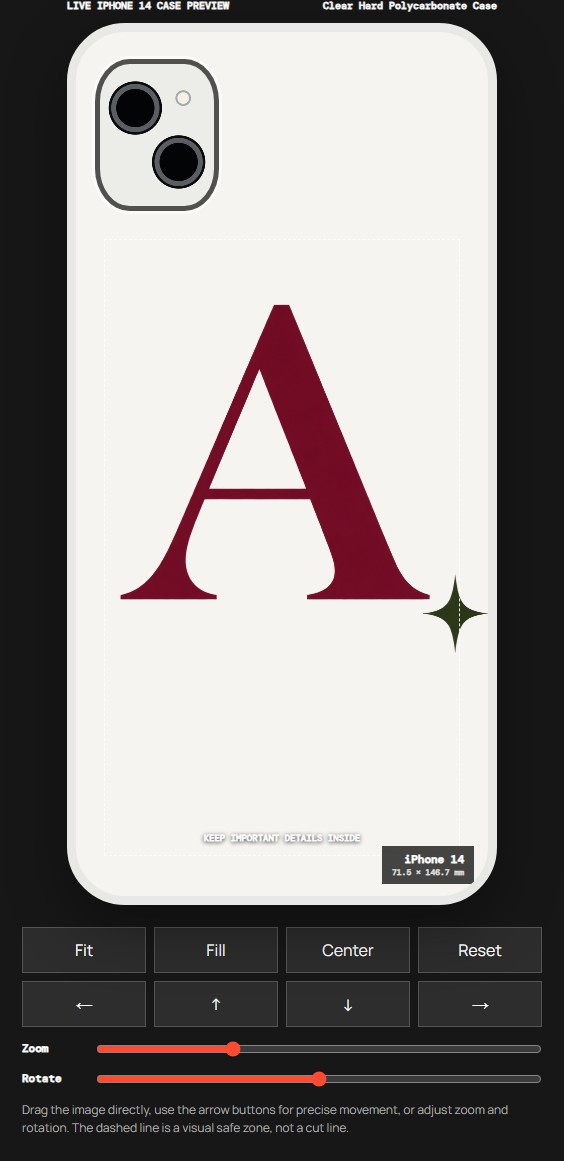
The two previews above use the same initial artwork, iPhone 14 model and Clear Hard Polycarbonate Case. The smaller version leaves more space around the letter and the small sparkle. The larger version gives the letter more presence, but the sparkle reaches the edge of the dashed guide on the right.
That is the useful difference to notice. Bigger is not automatically better. If a small accent is part of the design, it needs room too. Before saving the larger version, reduce the size or adjust the position until the details you want to preserve have space around them.
These are actual PatternPop editor screenshots using an AI-created demonstration initial. They are not customer orders, photographs of printed cases or proof that a certain letter size will work on every phone. Your own letter and phone model need their own check.
Choose what the letter means before choosing the style
You can use your own first initial, a family initial or a letter connected with something personal. For a gift, confirm which letter the recipient would actually choose. A full name is not necessary, and one initial can keep the design feeling private rather than turning the case into a label.
Look at the shape as well as the meaning. Some letters have wide arms, while others are naturally narrow. The same numerical size will not make every letter occupy the same visual space. Judge the result in the preview instead of assuming that a layout made for A will look identical with I, M or W.
Put the finished lettering in your source image
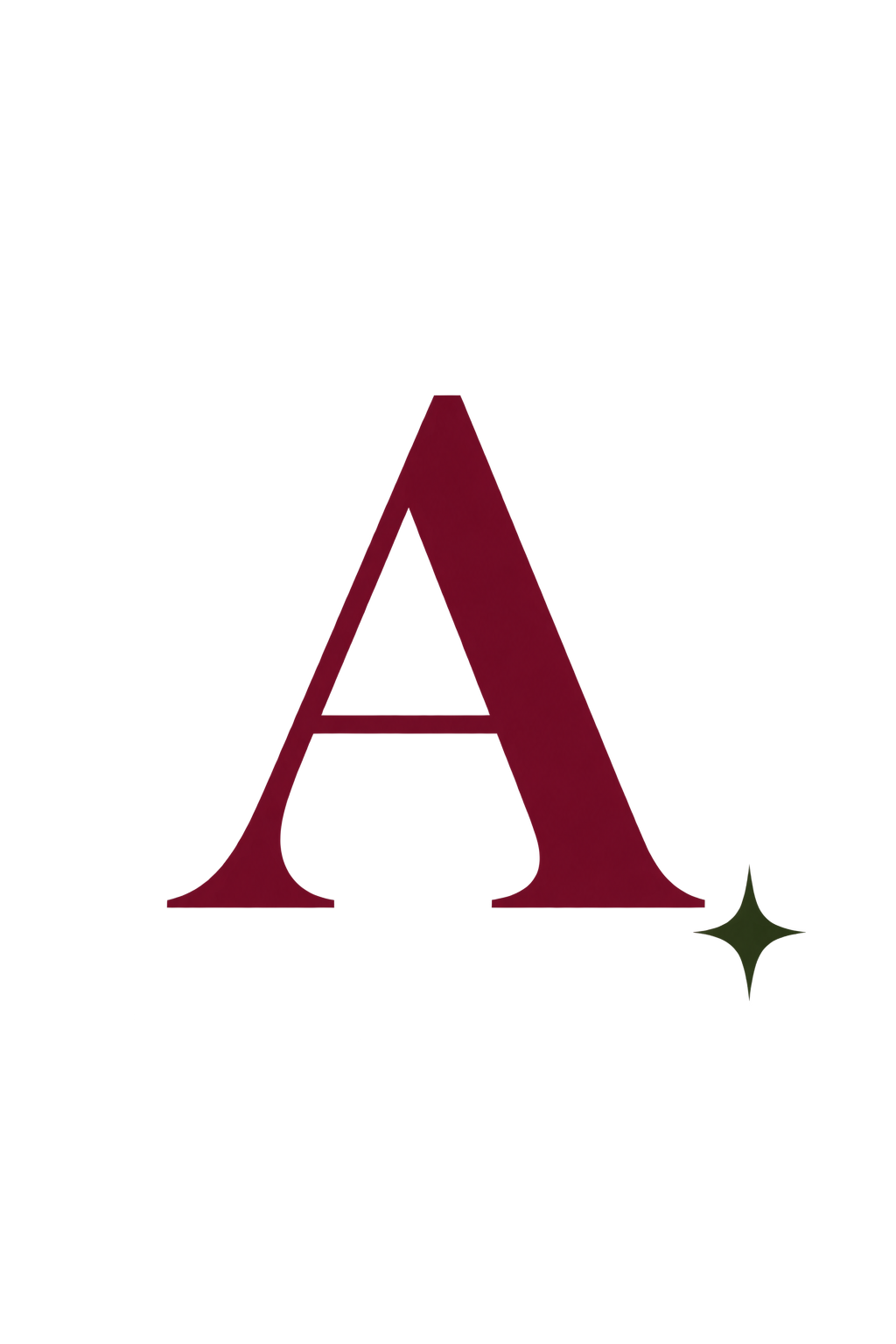
The single uploaded illustration used for both previews. The letter and sparkle are part of one image.
The photo-artwork editor takes an image; it is not a live monogram text field. You cannot upload A and then type a different letter over it in the current flow. Create the lettering in a design tool you already use, save the finished image, and upload that file. Alternatively, choose Studio Arrange and explain what you need help with.
Keep the spelling or initials exactly as you want them before preparing the final file. If you add a date or a short word, check it at a small size as well as zoomed in. More text means less room for each character. A single clear initial usually needs fewer layout decisions than a full line of small lettering.
Decide whether the background belongs to the design
Our example is a PNG with transparent areas around the letter. The editor can show the artwork without a solid rectangular image background. The pale case area in the screenshot is a preview surface, not a promise that unprinted areas will be a particular white color on every material.
If you want a colored rectangle or an all-over background, include that deliberately in your artwork. If you want only the letter, prepare an image with actual transparency or discuss the background with the studio. Changing a file's name from JPG to PNG does not remove the background. Check the preview after uploading rather than assuming it has disappeared.
Select the material and exact phone model
The demonstration uses Clear Hard Polycarbonate Case. Clear Flexible TPU Case is another material option currently shown in the studio. Read the available choices for your phone and choose the one you want before finalizing the lettering. The same design file does not mean every case surface will look or feel identical.
Select the full model name, including Pro, Plus or Pro Max when applicable. The camera opening and usable area depend on that choice. A centered initial can still sit too close to a camera opening when enlarged. If your exact model is not listed under the selected material, check the other options or ask the team; do not substitute a similar model name.
Use size and position together
After uploading, select Manual Adjust and begin with Fit. Use Zoom to compare a small mark with a more prominent letter. The current controls also let you move, rotate and center the image. Because the letter and sparkle are in one file, these controls move the whole composition together.
In our larger example, simply centering the file does not keep the sparkle far from the right-hand guide. You could reduce the entire image or move it left, but either change also affects the letter. If you want to move the sparkle independently, edit the source artwork first or describe the adjustment to the studio. The preview does not separate an uploaded image into editable pieces.
Look at the result at normal phone size before choosing. Leave space around the camera and outer edges, and remember that the dashed line is a visual guide rather than an exact factory cut line. Studio Arrange is available when you want help preserving a particular part of the design.
Review the design you are buying
Use Save design & add to bag when the letter and placement are ready. Check the model, material, artwork preview and quantity in the bag. The current price is $35 for one custom phone case, with applicable sales tax and standard shipping to eligible U.S. addresses included. Read the live order summary and shipping and returns information before payment.
PatternPop's studio intentionally opens at moodincase.com/patternpop-custom through the shared ordering service. Look for PatternPop Case at the top. For another material or a lettering question, use the WhatsApp contact shown there and send your question to the team.
Create your own initial case →
Before you upload
Can I type a letter directly into the photo editor? Not in the current image-upload flow. Upload finished lettering as an image, or choose Studio Arrange to explain the help you need.
Can I move each letter separately? Not when they are part of one uploaded file. Prepare separate spacing in your source artwork before uploading, or discuss the layout with the studio.
Does a larger letter always print better? No. It may push accents or parts of a wide letter too close to the camera or edges. Check the whole composition for your selected model.
What file can I upload? The current flow accepts one PNG, JPG or WebP file up to 12 MB. Use the clearest original artwork available and upload only material you may reproduce.
Before you start
Can I type a letter directly into the photo editor?
Not in the current image-upload flow. Upload finished lettering as an image, or choose Studio Arrange to explain the help you need.
Can I move each letter separately?
Not when they are part of one uploaded file. Prepare separate spacing in your source artwork before uploading, or discuss the layout with the studio.
Does a larger letter always print better?
No. It may push accents or parts of a wide letter too close to the camera or edges. Check the whole composition for your selected model.
What file can I upload?
The current flow accepts one PNG, JPG or WebP file up to 12 MB. Use the clearest original artwork available and upload only material you may reproduce.